
Photo editing has never been more exciting than it is today, thanks to Adobe’s powerful AI upgrades in Photoshop. With tools that can remove objects instantly, enhance details, and even generate entire backgrounds, editing is faster, smarter, and more creative than ever. Whether you’re a beginner or a pro, mastering these Photoshop AI tricks will help you create stunning photos in 2025.

1. Generative Fill for Instant Edits
One of the most talked-about features is Photoshop’s Generative Fill. With just a simple text prompt, you can replace, expand, or completely transform parts of an image. Want to remove unwanted objects from a photo? Or extend the background seamlessly? Generative Fill does it in seconds, saving hours of manual editing.
2. AI-Powered Object Selection
Selecting subjects used to be time-consuming, but now AI handles it in one click. The improved Select Subject tool recognizes people, animals, and objects with incredible accuracy. You can quickly isolate parts of an image for adjustments, making edits cleaner and faster.
3. Enhance Images with Neural Filters
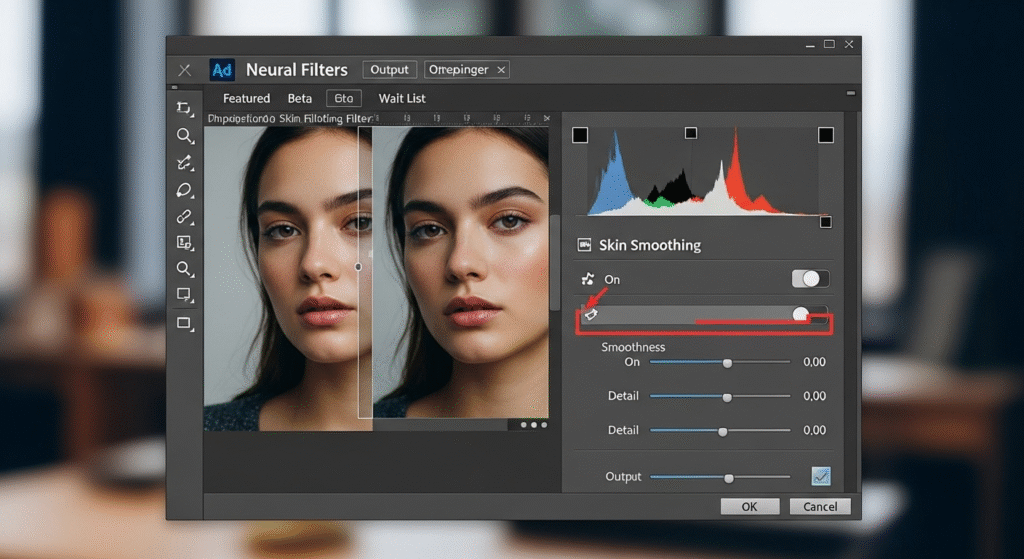
Photoshop’s Neural Filters use AI to make powerful changes in seconds. From smoothing skin and colorizing black-and-white images to adjusting facial expressions, these filters let you experiment with creative possibilities while maintaining a natural look.
4. AI Background Replacement
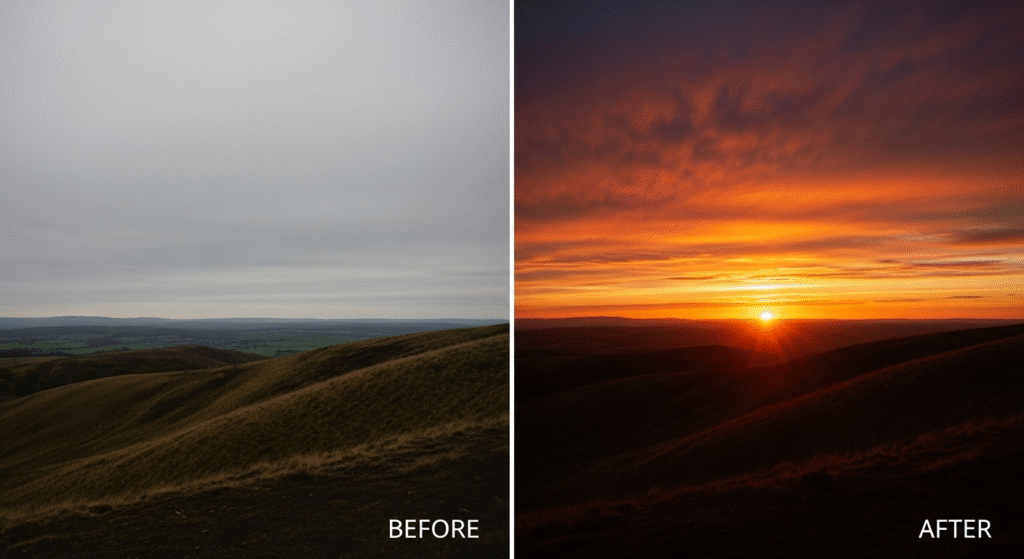
Changing a background has never been easier. With AI-powered background replacement, you can swap dull skies for dramatic sunsets or move your subject into entirely new settings. This trick is perfect for travel, product, or portrait photography.
5. Super Resolution for High-Quality Images
Blurry or low-resolution photos are no longer a problem. With Adobe’s Super Resolution, AI enhances image quality by increasing pixel count without losing sharpness. This is especially useful for printing or enlarging old photos.
6. Generative Expand for Cropping Freedom
Ever cropped a photo and regretted cutting too much out? Generative Expand lets you extend images beyond their original borders. Photoshop’s AI imagines and fills in the missing content naturally, giving you complete control over framing.
7. Style Transfer for Artistic Effects
Want your photo to look like a painting or mimic a famous style? AI-powered Style Transfer applies creative looks instantly. It’s a fun way to transform ordinary photos into artistic masterpieces without complicated editing steps.
8. AI Sky Replacement for Dramatic Shots
Sky Replacement has been updated with AI enhancements, making it effortless to replace flat skies with dramatic ones. Whether you want bright blue skies, starry nights, or glowing sunsets, Photoshop does the blending for you.
Final Thoughts
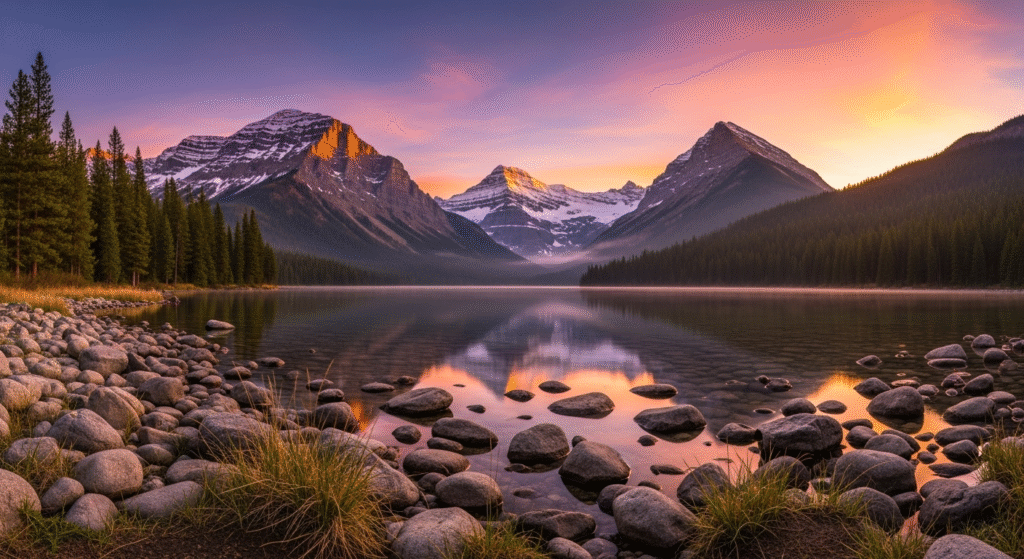
In 2025, Photoshop’s AI tools are transforming the way we edit. These Photoshop AI tricks make it possible to create stunning, professional-level photos in just a few clicks. From removing distractions to generating entirely new content, Adobe’s AI features give photographers and designers endless creative possibilities.
👉 Start exploring these tricks today, and let Photoshop’s AI turn your photos into something extraordinary.