
Illustrator continues to be a designer’s best companion for creating stunning visuals, logos, and vector art. In 2025, it’s packed with new AI-powered tools and smart design features that make your workflow smoother and more creative. Whether you’re crafting professional graphics or building personal projects, these Illustrator secrets will help you design faster, smarter, and with more precision.

1. Master the Power of Generative Recolor
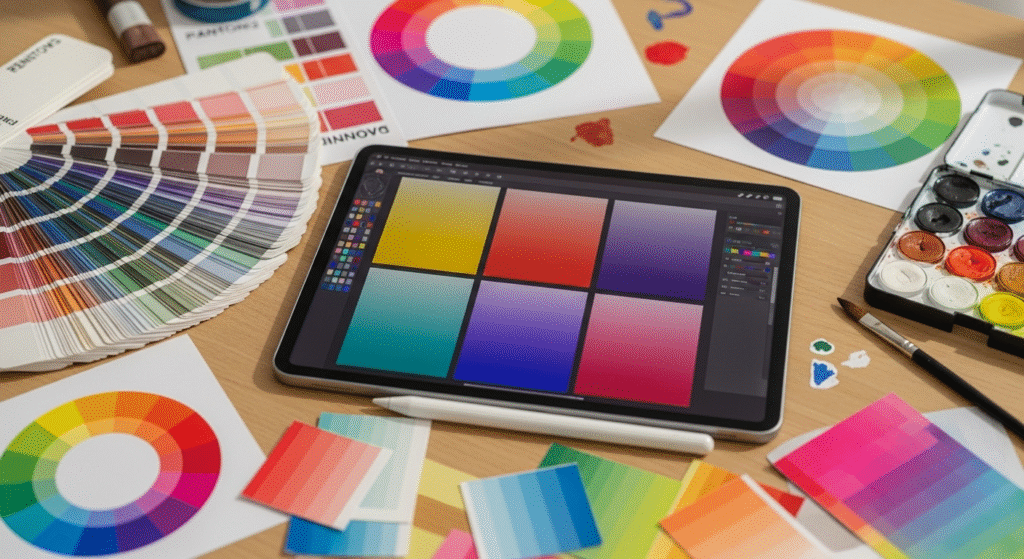
Color management is now effortless. The Generative Recolor feature allows you to create endless color variations in seconds. Simply enter a few descriptive words or select a sample image, and the tool generates cohesive color palettes that fit your creative vision perfectly.
2. Use Vectorize Image for Instant Art Conversion
If you’ve ever wanted to convert a sketch or photo into scalable vector artwork, this tool is your new favorite. The Vectorize Image feature uses AI to automatically detect outlines, curves, and details—turning them into smooth vector shapes ready for editing.
3. Explore the New Type Enhancements
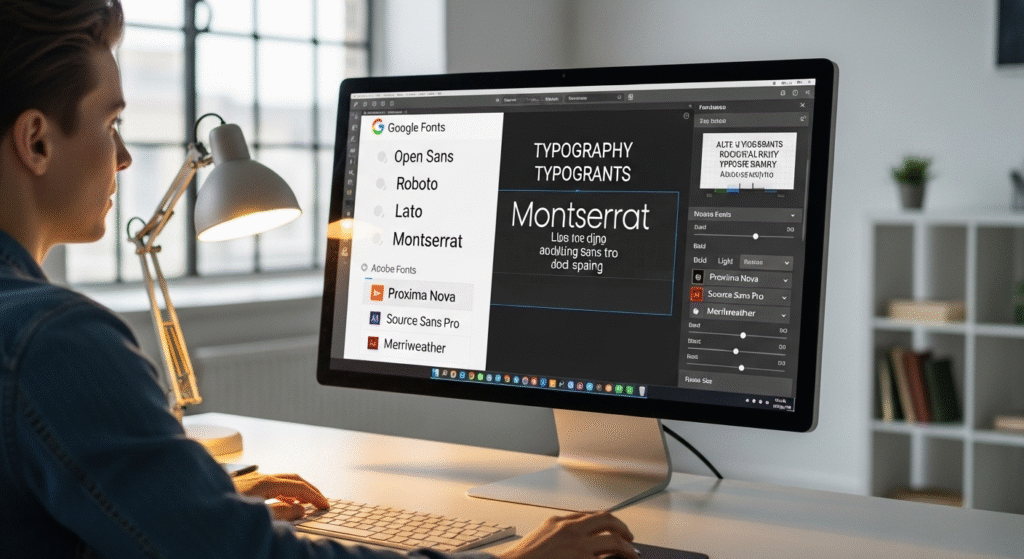
Typography plays a huge role in design, and Illustrator’s new type tools make it easy to experiment. Variable fonts, auto-pairing, and layout suggestions help you balance creativity with readability, giving your text a polished professional finish.
4. Simplify Design Workflows with Layers and Assets
The updated Layers and Cloud Assets system lets you organize and share design components efficiently. You can now store, sync, and reuse assets across multiple projects, helping you maintain consistency and speed up your workflow.
5. Master the Blend and Gradient Tools
Smooth transitions and creative color blends are easier than ever. The enhanced Gradient and Blend tools let you create dimensional designs with depth and harmony. You can also try AI gradient suggestions to discover unexpected yet beautiful color combinations.
6. Try Generative AI for Creative Inspiration
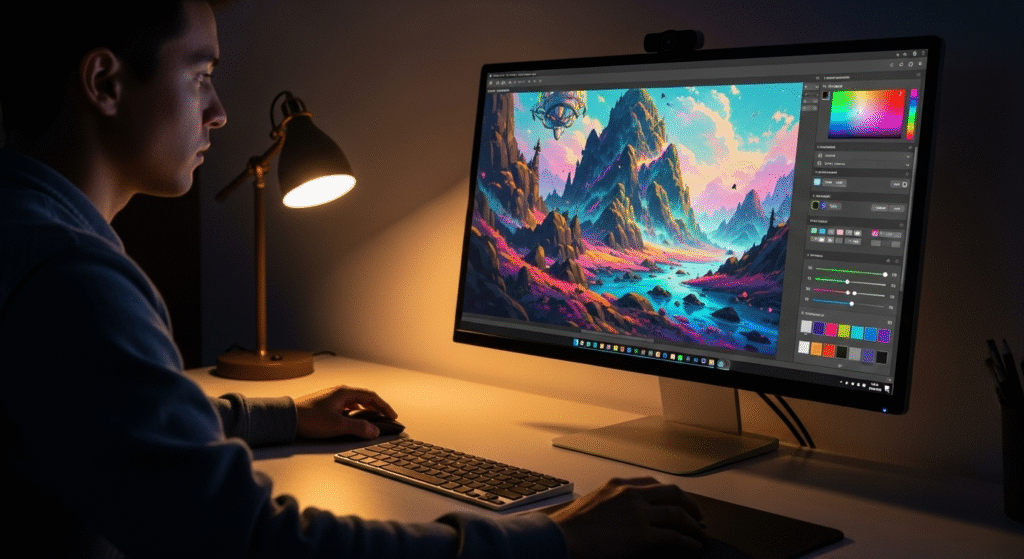
Creative block? The integrated AI assistant can generate editable vector shapes, layouts, and design ideas from simple text prompts. Just describe what you’re envisioning—like “retro-style badge logo” or “minimal floral pattern”—and watch the ideas come to life.
7. Use Smart Guides for Pixel-Perfect Designs
For precision-driven designers, Smart Guides are essential. They now offer predictive alignment, showing potential snapping points before you move objects. This feature saves time and ensures perfectly aligned and balanced compositions.
8. Export Smarter for Multiple Platforms
Designers working across digital and print media will love the improved export options. The Export for Screens tool allows you to save your assets in multiple formats and sizes at once, ensuring consistent quality across all devices.
Final Thoughts
In 2025, design has become faster, smarter, and more intuitive than ever. By exploring these Illustrator secrets, creative designers can unlock new possibilities and streamline their workflow. Whether you’re working on branding, social media graphics, or digital art, these tools will help you deliver outstanding results with ease.

👉 Start experimenting with these features today and take your creativity to the next level.
Read Also : https://pixeltoprint.blog/best-photoshop-ai-tricks-for-stunning-photos-in-2025/