
Your logo is often the first thing people notice about your brand — your visual handshake. It tells your story in just a glance. The good news? You don’t need to spend hours designing it. With the right mindset and a few smart tools, you can create a professional, attention-grabbing logo in just a few minutes. Let’s dive in.

1. Start with a Clear Idea
Before you even open a design app, take a moment to think about your brand’s identity.
Ask yourself:
- What feeling should my logo give off — trust, creativity, strength, or fun?
- Who am I designing for?
- What kind of visuals naturally connect with my audience?
A clear idea helps you design with intention instead of guessing your way through.
2. Choose the Right Type of Logo
Logos come in different styles, and picking the right one matters.
- Wordmarks use your brand name as the design itself — think “Google.”
- Lettermarks use initials, like “HP.”
- Combination marks mix symbols with text.
- Emblems are more visual and often enclosed in a shape.
Go with the one that best fits your brand’s personality and purpose.
3. Keep It Simple
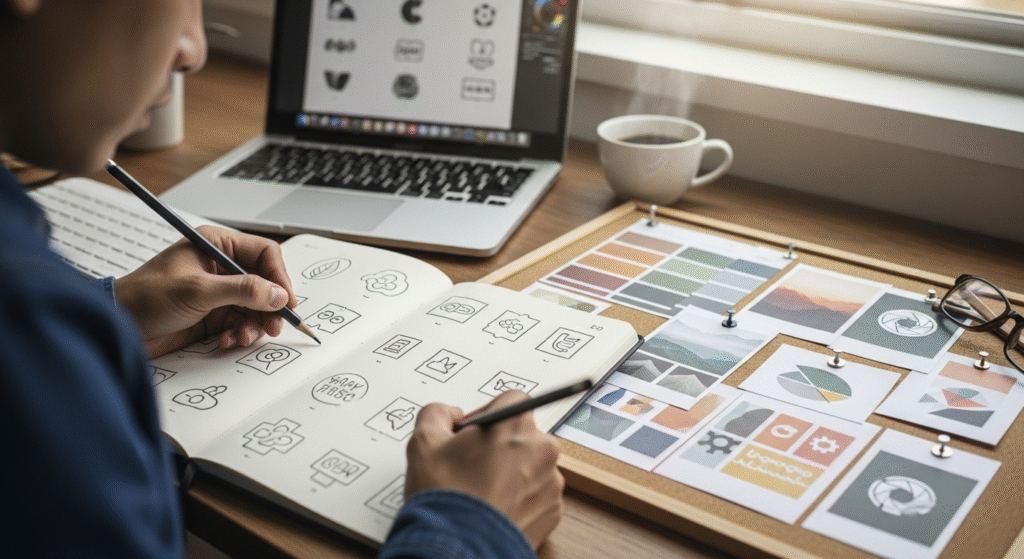
The best logos are clean, easy to remember, and instantly recognizable. Avoid unnecessary details or too many colors. Leave some space between elements — it gives your design room to breathe. Clever use of negative space (like the hidden arrow in FedEx) can make your logo even more memorable.
4. Use Color with Intention
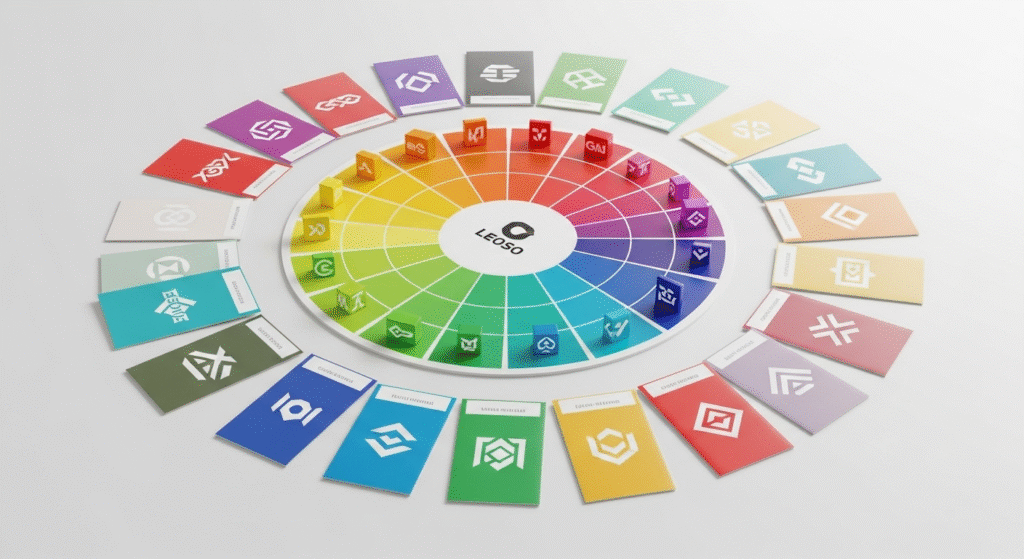
Stick to two or three main colors. Each color tells a story — blue builds trust, red creates excitement, yellow sparks positivity.
Make sure your logo looks good in black and white too. A strong design shouldn’t rely only on color to make an impact.
5. Pick Fonts That Fit Your Brand
Typography can make or break your logo. Choose fonts that reflect your tone — bold and modern for tech, elegant for luxury, playful for creative brands.
Keep it readable, balanced, and simple. If you mix fonts, make sure they complement each other rather than compete.
6. Use a Logo Maker or Template
If you’re short on time, use a professional logo tool or template. Start with a layout you like, customize the text, colors, and icons, and you’ll have a polished logo ready in minutes. Tools like Adobe Express make this process fast and intuitive.
7. Test and Refine
Once you have a design, try out a few versions. See how your logo looks on different backgrounds — on a website, a social post, or even a coffee mug. Ask for quick feedback from a friend or colleague. Sometimes a small tweak can make a big difference.
8. Export the Final Files
When you’re happy with the result, export multiple versions:
- Full color
- Black or white
- Transparent background
- Vector formats (like SVG or EPS)
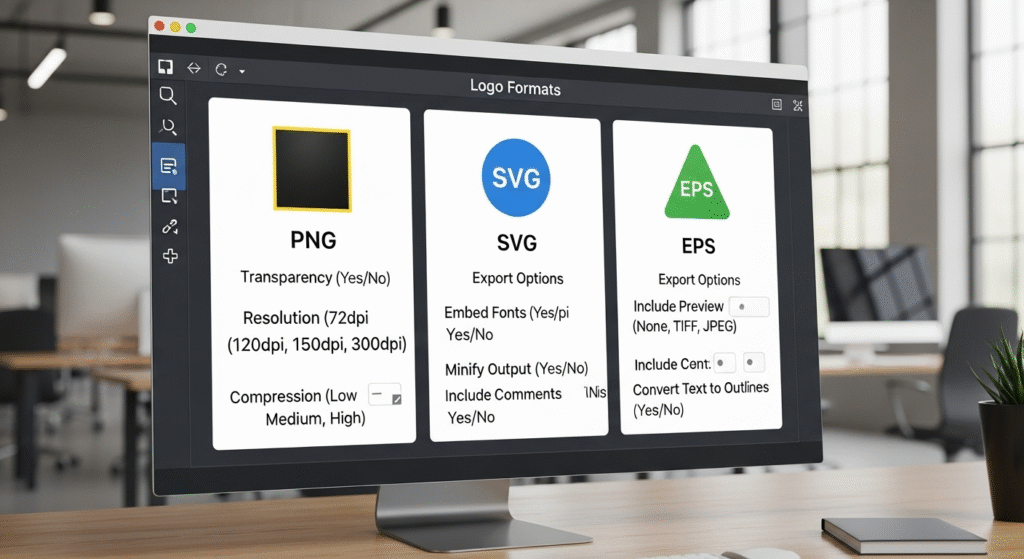
This way, your logo is ready for anything — web, print, or merchandise.
Final Thoughts
Creating a logo doesn’t have to be overwhelming. With clear direction, simple design principles, and the right tools, you can build something beautiful and unique in minutes. Your logo is more than just a symbol — it’s your brand’s first impression. Make it count.
Must Read : https://pixeltoprint.blog/best-photoshop-ai-tricks-for-stunning-photos-in-2025/